


Download the app using the buttons below
Download the app using the buttons below

Download the app using the buttons below.
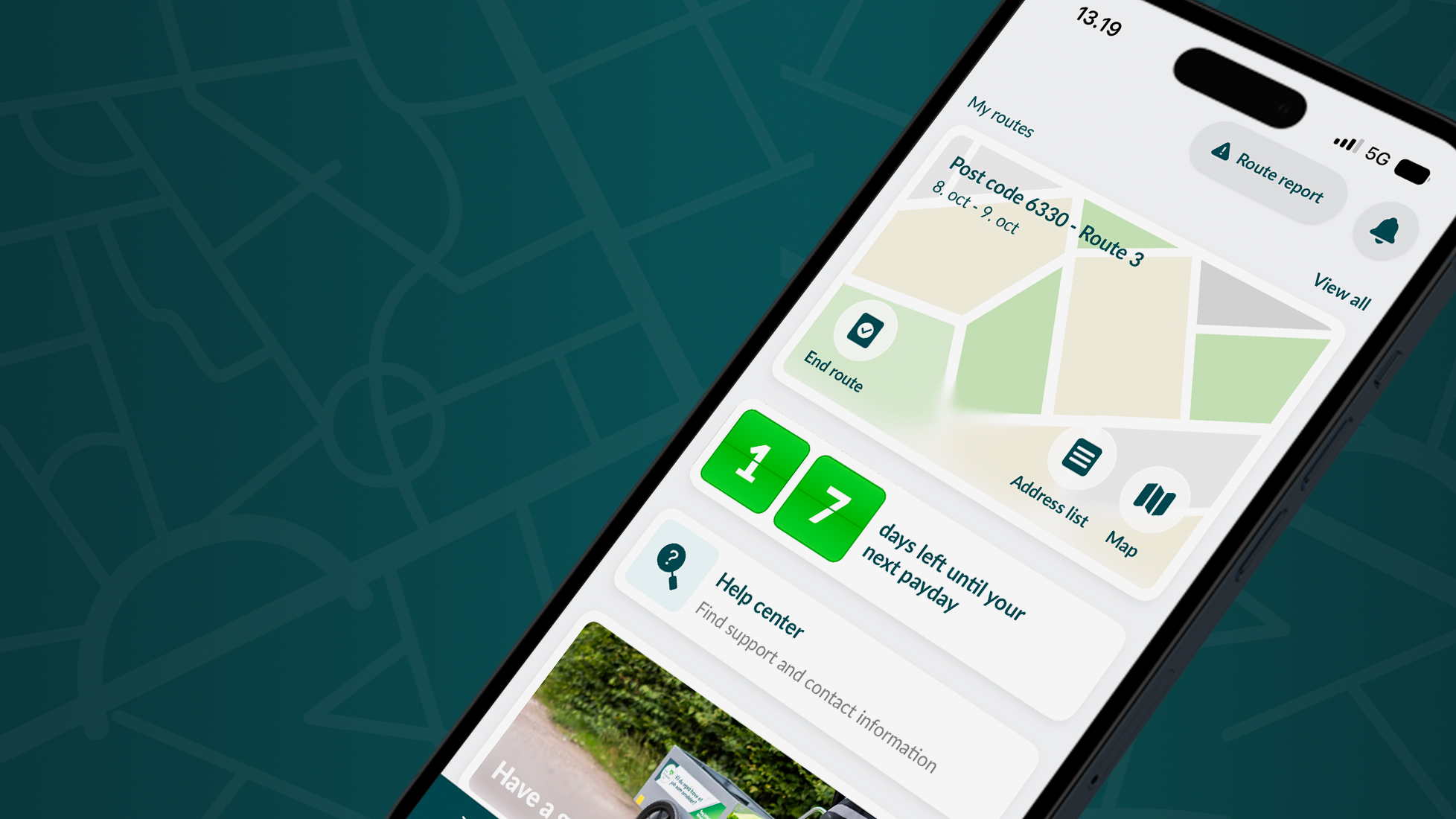
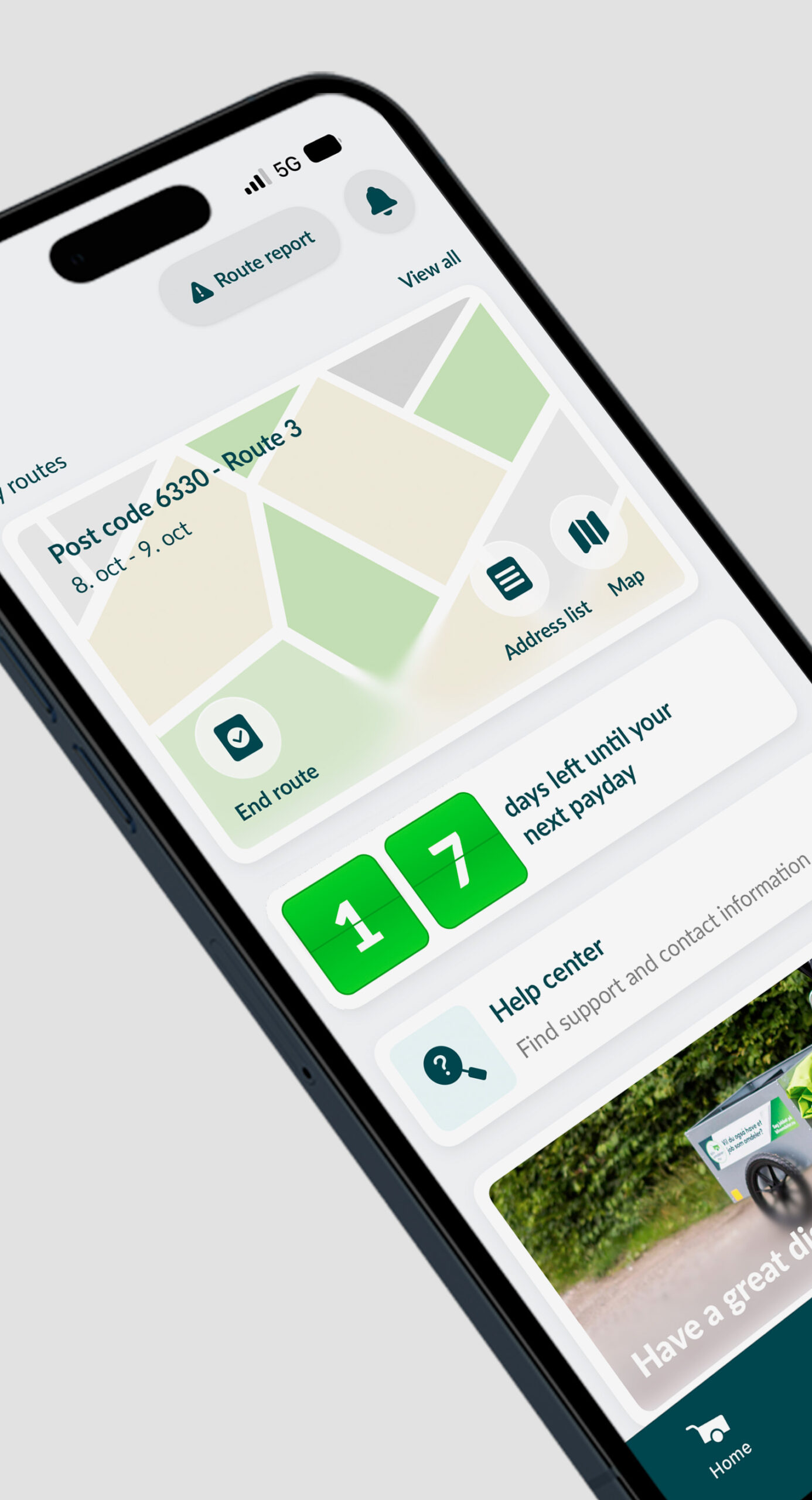
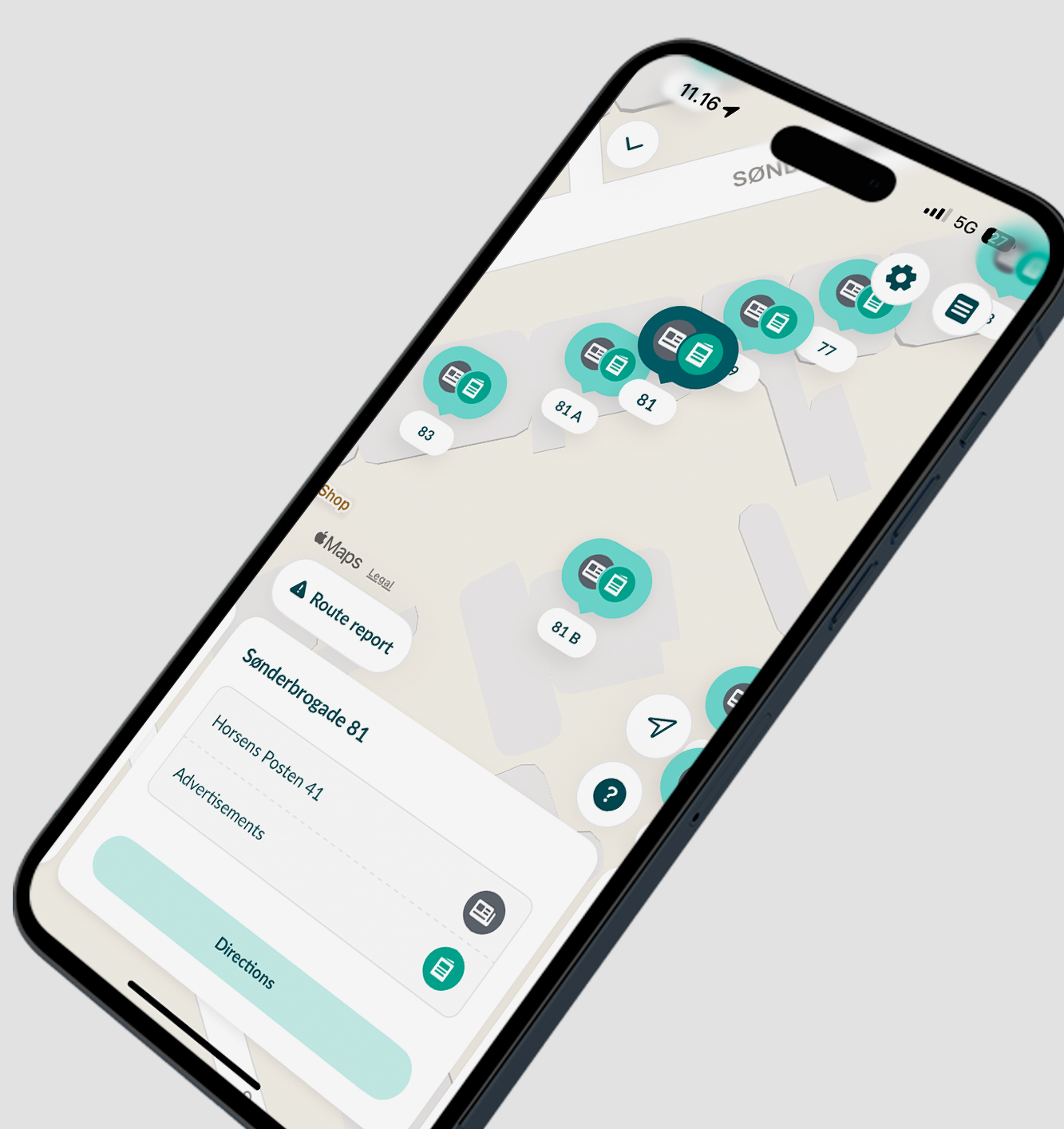
Find your way using the route map, where you can also check what each address should receive and how to access apartment buildings. You can also use the address list for this.
If you need to report challenges on your route, you can quickly create route reports along the way — based on the addresses closest to you.
When you’ve completed your route, you can finish it directly in the app with a simple swipe — in several different places! When you end your route, you’ll get confetti and an update about your expected pay. Please note that your final pay may vary slightly due to the weight of papers and ads, which is updated late in our system.
The app also gives you a clear overview of your pay, including a countdown to your next payday. It sends you important messages and reminders via push notifications, and if you have questions, our AI chatbot is always ready to help. Of course, you’re also welcome to contact your distribution manager during office hours at 70 10 40 00, or send an SMS to 1914.
If you’re under 18, you can also keep track of your points and shop in the point shop — and see how close you are to affording your favorite products!
Download the app using the buttons below
If you’re new, the app is a great support tool — it includes your intro videos and all our other video guides. You can also ask our chatbot for help 24/7 and find contact information for your distribution manager.
If you’re new on a route, it’s helpful to use the route map, which guides you according to your delivery order. Swipe between addresses to see what to distribute and how to access buildings. You’ll find the same information in the address list, which is your digital bundle note — one that never wrinkles or blows away!
Download the app using the buttons below
Or scan the QR code with your phone
It’s optional whether you use the app or the website for your tasks, but we’re confident the app will quickly become your best friend out on the route.
Enjoy using the app!
Need Help with the App?
Find answers to frequently asked questions below:
To download the app for iPhone, you need to use a direct link to the app in the App Store (it cannot be found by searching, as it’s an employee app).
Download the app for iPhone here (open link from your phone)
The app can be searched and found in Google Play for Android.
The first time you use the app, log in with your salary number/phone number and the password you use on Blivomdeler.nu.
You will also receive an SMS code, which you’ll need to enter.
Then you’ll create a 4-digit PIN code to log in with next time — or use Face ID/fingerprint.
If you have forgotten the password you also use for Blivomdeler.nu, you need to go to Blivomdeler.nu and click “Forgot password” where you log in. This function is not available in the app.
If you’ve forgotten your PIN, delete the app and reinstall it — then you can create a new PIN.
Remember: You can’t search for the app for iPhone in the App Store — use this direct link instead (open from your phone).
The app can only be downloaded if your country is set to Denmark in Apple App Store or Google Play.
Guide: Change country in Apple App Store (iPhone):
Guide: Change Country in Google Play Store (Android):